Dockerfile Patterns That Cut Your Image Size in Half
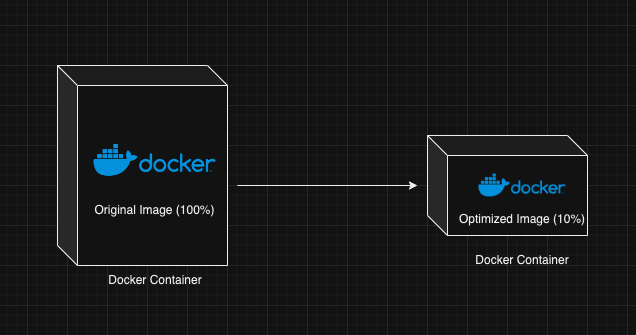
Building smaller Docker images is a superpower for any development team, translating directly into faster deployments, lower resource costs, and enhanced security. Let's explore practical Dockerfile strategies to trim the fat from your containers.
The Hidden Costs of Bloated Images
Large Docker images aren't just an aesthetic problem; they introduce significant friction into your development and deployment workflows. Think about it:
- Slower Builds: Each
COPYorRUNcommand in a Dockerfile adds layers. Larger images mean more layers to build, push, and pull. - Increased Deployment Times: Every time your application deploys, the orchestrator (Kubernetes, ECS, etc.) needs to download the image. Smaller images download faster, leading to quicker rollouts and recoveries.
- Higher Storage & Bandwidth Costs: Cloud providers charge for image storage and network egress. Less data moved means lower bills.
- Wider Attack Surface: More software, libraries, and tools packed into an image means more potential vulnerabilities. A lean image inherently reduces this risk.
Optimizing your Dockerfiles isn't just a nicety; it's a critical component of efficient, secure, and cost-effective containerized applications.
Multi-Stage Builds: The Ultimate Shrink Ray
Multi-stage builds are arguably the most powerful technique for reducing image size. The core idea is to use one stage to build your application and its dependencies, then copy only the necessary artifacts into a much smaller, clean runtime image. This leaves behind all the build tools, source code, and intermediate dependencies.
Consider a Go application. To compile it, you need a Go compiler, which is a fairly large installation. But to run the compiled binary, you often just need a basic Linux environment, or even scratch (an empty image).
Here’s how a multi-stage Dockerfile for a Go app might look:
# Stage 1: Build the application
FROM golang:1.20-alpine AS builder

WORKDIR /app
COPY go.mod go.sum ./
RUN go mod download
COPY . .
RUN CGO_ENABLED=0 GOOS=linux go build -a -o /app/my-app .

# Stage 2: Create a minimal runtime image
FROM alpine:3.18

WORKDIR /app
COPY --from=builder /app/my-app .

EXPOSE 8080
CMD ["./my-app"]
In this example, the builder stage compiles the Go application. The final alpine:3.18 image then copies only the compiled /app/my-app binary, discarding the entire Go SDK, go.mod, go.sum, and all intermediate build artifacts. The resulting image will be significantly smaller than if you built and ran everything from the golang:1.20-alpine base image.
Leverage .dockerignore for a Cleaner Build Context
Before Docker even starts building, it sends the
✦ React to this post