Secrets Management for Solo Devs: From .env to Vaults
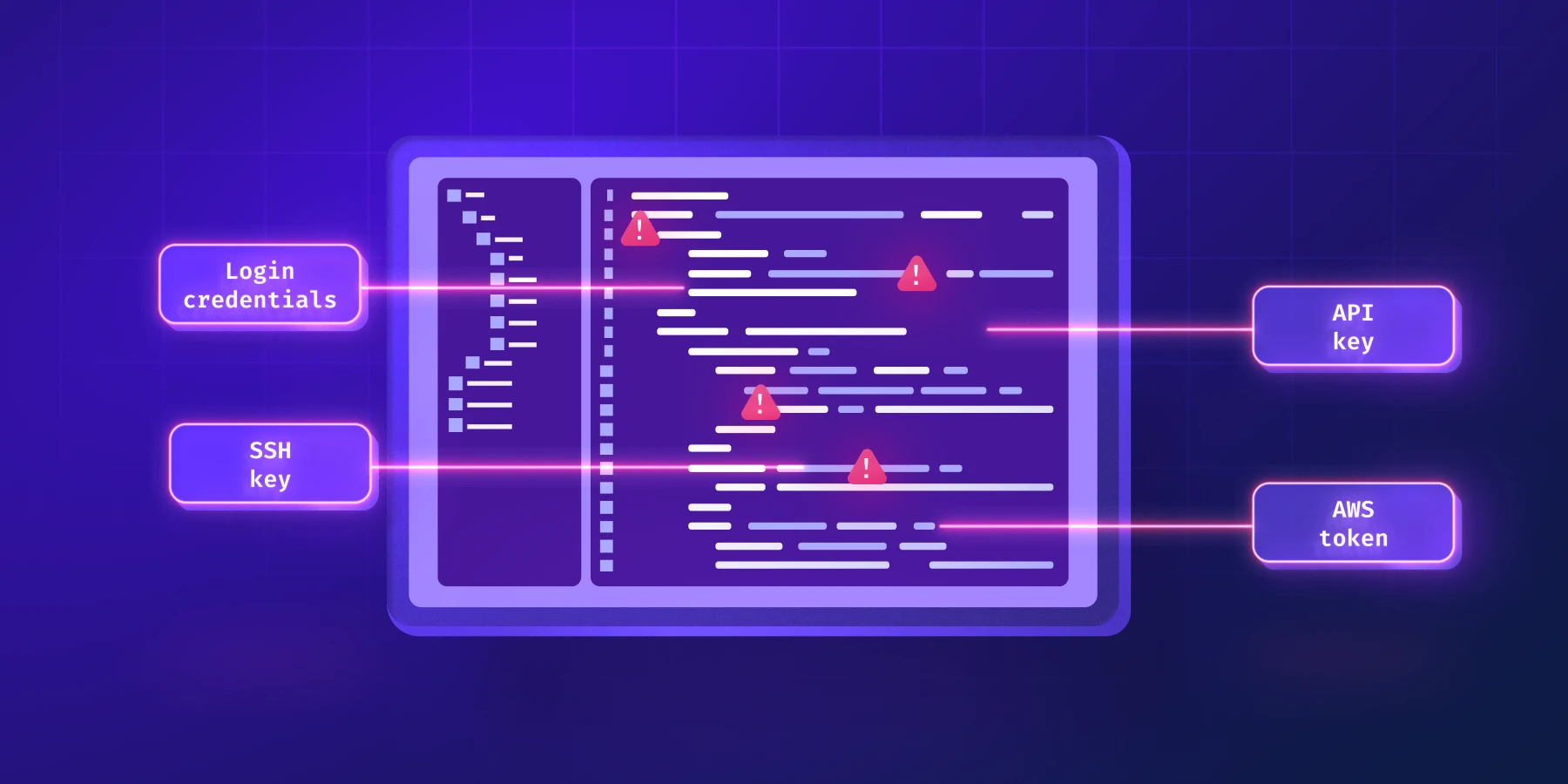
As a solo developer, you wear many hats. From architecting features to deploying code, security often takes a backseat until it's too late. But ignoring secrets management, even in a project of one, is a gamble you can't afford.
Sensitive data like API keys, database credentials, and payment gateway tokens are the keys to your kingdom. Mishandling them can lead to breaches, data loss, and a damaged reputation. This guide will walk you through the essential stages of secrets management, from simple local files to robust vault solutions, tailored for solo developers.
The .env File: Your First Line of Defense (and Danger)
The .env file is ubiquitous in local development environments. It's a plain-text file in your project's root directory that stores environment variables as key-value pairs. Tools like dotenv (in Node.js) load these variables into process.env, making them accessible to your application.
It's incredibly convenient for local development. You can quickly configure different settings for your development machine without hardcoding values directly into your codebase. Need to switch between a local database and a development server? Just tweak your .env.
However, the simplicity of .env files is also their biggest security flaw: they are plain text and reside directly in your project. Accidentally committing a .env file to a public Git repository is a common, and often catastrophic, mistake. Even in private repositories, it's not ideal for production secrets.
The cardinal rule for .env files is simple: never commit them to version control. Always include .env in your .gitignore file. Here's how a typical .gitignore entry looks:
# Environment variables
.env
.env.local
.env.development.local
.env.test.local
.env.production.local
While .env is fine for local-only, non-sensitive variables, relying on it for anything beyond that is asking for trouble.
Beyond .env: When Simplicity Isn't Enough
As your solo project grows, or when you move beyond your local machine, .env files quickly become insufficient. Consider these scenarios:
- CI/CD Pipelines: How do your automated tests or deployment scripts access secrets without hardcoding them?
- Deployment Environments: How do you manage secrets securely on a production server, staging server, or a serverless platform?
- Team Collaboration: Even if you're solo now, what if you bring on a contractor or intern in the future? How do you share secrets without emailing them around?
- Secret Rotation: Best practice dictates rotating highly sensitive secrets periodically. This is cumbersome with static
.envfiles.
Many hosting platforms (Vercel, Netlify, Heroku, Render, AWS Amplify) offer built-in environment variable management through their dashboards or CLIs. This is a significant step up, as these platforms securely inject secrets into your application's runtime. For solo devs, this often provides a sufficient level of security for deployment, but it doesn't solve the problem of managing secrets locally or for CI/CD outside of that specific platform.
A Step Up: Encrypted Files and Dotenv-Vault
For solo developers who want a more robust solution than plain .env but aren't ready for a full-blown vault, encrypted .env files offer a compelling middle ground. Tools like dotenv-vault (for Node.js) or sops (Mozilla Secrets Operations) allow you to encrypt your .env files and commit the encrypted version to version control.
dotenv-vault works by encrypting your .env file into a .env.vault file, which you can commit. Your application decrypts it at runtime using an encryption key, typically provided as an environment variable (DOTENV_KEY). This means your secrets are safe in your repository, and only those with the key can decrypt them.
Here's a conceptual flow:
- You initialize
dotenv-vaultin your project. - You add your secrets to a
.envfile as usual. dotenv-vaultencrypts these into.env.vault.- You commit
.env.vaultto Git. - You securely provide the
DOTENV_KEYto your hosting environment or CI/CD pipeline (e.g., via a platform's secret manager or a separate environment variable).
This approach provides several benefits:
- Version Control: Your secrets history is tracked alongside your code.
- Safer Sharing: You can share the encrypted file; only those with the key can access the secrets.
- Local Development: You can still use your local
.envfile, while production uses the encrypted version.
However, you still need to manage the DOTENV_KEY securely. If that key is compromised, your encrypted secrets are exposed. This shifts the key management burden but doesn't eliminate it.
# Install dotenv-vault (example for Node.js projects)
npm install dotenv-vault --save

# Initialize dotenv-vault (creates .env.vault and generates a key)
dotenv-vault new

# Push your local .env to dotenv-vault, encrypting it
dotenv-vault push development

# Example of running your app with the key (usually handled by dotenv-vault in production)
# DOTENV_KEY=dotenv://:key_xxxxxxxxxxxxxxxxxxxxxxxxxxxxxx@dotenv.org/vault/.env.vault?environment=development node app.js
The Gold Standard: Dedicated Secrets Management Vaults
For larger, more complex solo projects or when anticipating growth, dedicated secrets management vaults are the professional standard. These are centralized services designed specifically for storing, managing, and distributing secrets securely.
Examples include:
- Cloud Provider Vaults: AWS Secrets Manager, Azure Key Vault, Google Secret Manager.
- Open Source: HashiCorp Vault.
- Commercial Solutions: 1Password CLI, Doppler, Infisical.
These vaults provide a robust set of features far beyond simple encrypted files:
- Centralized Storage: All secrets are in one secure location, accessible via API.
- Access Control: Granular permissions dictate who (or what application) can access which secrets.
- Auditing: Comprehensive logs of who accessed what secret and when.
- Secret Rotation: Automated rotation of database credentials, API keys, etc.
- Dynamic Secrets: Generate temporary, on-demand credentials for databases, cloud services, etc., that expire automatically.
- Integration: Seamlessly integrate with CI/CD pipelines, container orchestration platforms, and more.
For a solo developer, setting up a full-fledged HashiCorp Vault might seem like overkill. And for a simple static site, it probably is. However, understanding the concepts behind these systems is invaluable. Services like Doppler or Infisical offer managed solutions that reduce setup complexity, making them more approachable for solo devs who want enterprise-grade security without the operational overhead.
By using a vault, your application code doesn't store secrets directly. Instead, it authenticates with the vault (e.g., via an API token or IAM role) and requests the secrets it needs at runtime. This
✦ React to this post